Fish Tank Plus
iPhone · iPad · Android
Fish Tank Plus on your phone
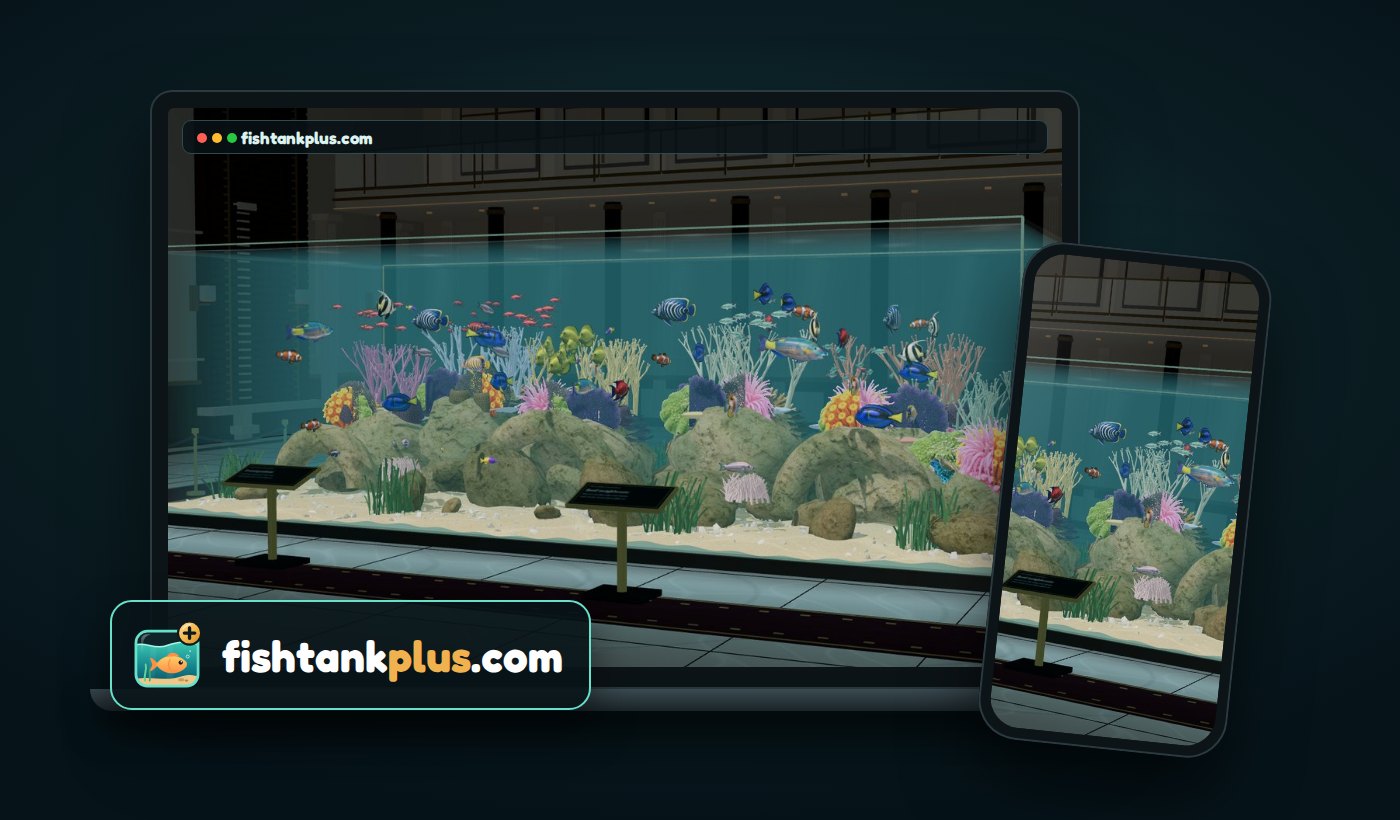
The living 3D aquarium plays right in your phone's browser. No app to install, nothing to download, and it's free.
► Play now in your browserFree · works in Safari, Chrome, Samsung Internet, Edge and Firefox
Keep it on your Home Screen
iPhone & iPad
- Open play.fishtankplus.com in Safari.
- Tap the Share button.
- Tap Add to Home Screen, then Add.
Android
- Open play.fishtankplus.com in Chrome.
- Tap the ⋮ menu.
- Tap Add to Home screen (or Install app).
It then opens full screen from its own icon, like an app.
What's in the tank
- A living reefSchools of fish that feed, hide and explore, in a huge glass tank.
- 3D you can lean intoTilt your phone to peek around the reef, or let the front camera follow your head.
- Feed the fishDrop food in and watch them come up for it.
- Fish sticksCollect them and unlock new fish and ornaments, shared with the Windows app.
Questions
Is there a Fish Tank Plus app for iPhone or Android?
Fish Tank Plus runs in your phone's browser at play.fishtankplus.com, so there is nothing to install from the App Store or Google Play. Add it to your Home Screen and it opens full screen, like an app.
Is it free?
Yes. The phone and tablet version is free, and so is the Windows screensaver and live wallpaper.
Which phones and tablets does it work on?
Any recent iPhone or iPad (Safari), and Android phones and tablets in Chrome, Samsung Internet, Edge or Firefox. It also runs on Macs and Chromebooks.
Does it use my camera?
Only if you turn on camera tracking for the 3D effect. The video is processed on your device and never sent anywhere. Phone tilt gives a gentler 3D effect without the camera.
Can I set it as my phone's live wallpaper or screensaver?
Not on a phone: iPhone and Android don't let a browser app set the wallpaper. The live wallpaper and the screensaver are part of the free Windows app.
Do my fish sticks carry over to my PC?
Yes. Your fish sticks and the items you unlock are the same in your browser and in the Windows app.
On a Windows PC?
Get the full Fish Tank Plus - Aquarium Screensaver & Live Wallpaper: the open sea, the Glass Tank and the Penthouse, across all your monitors. Free.